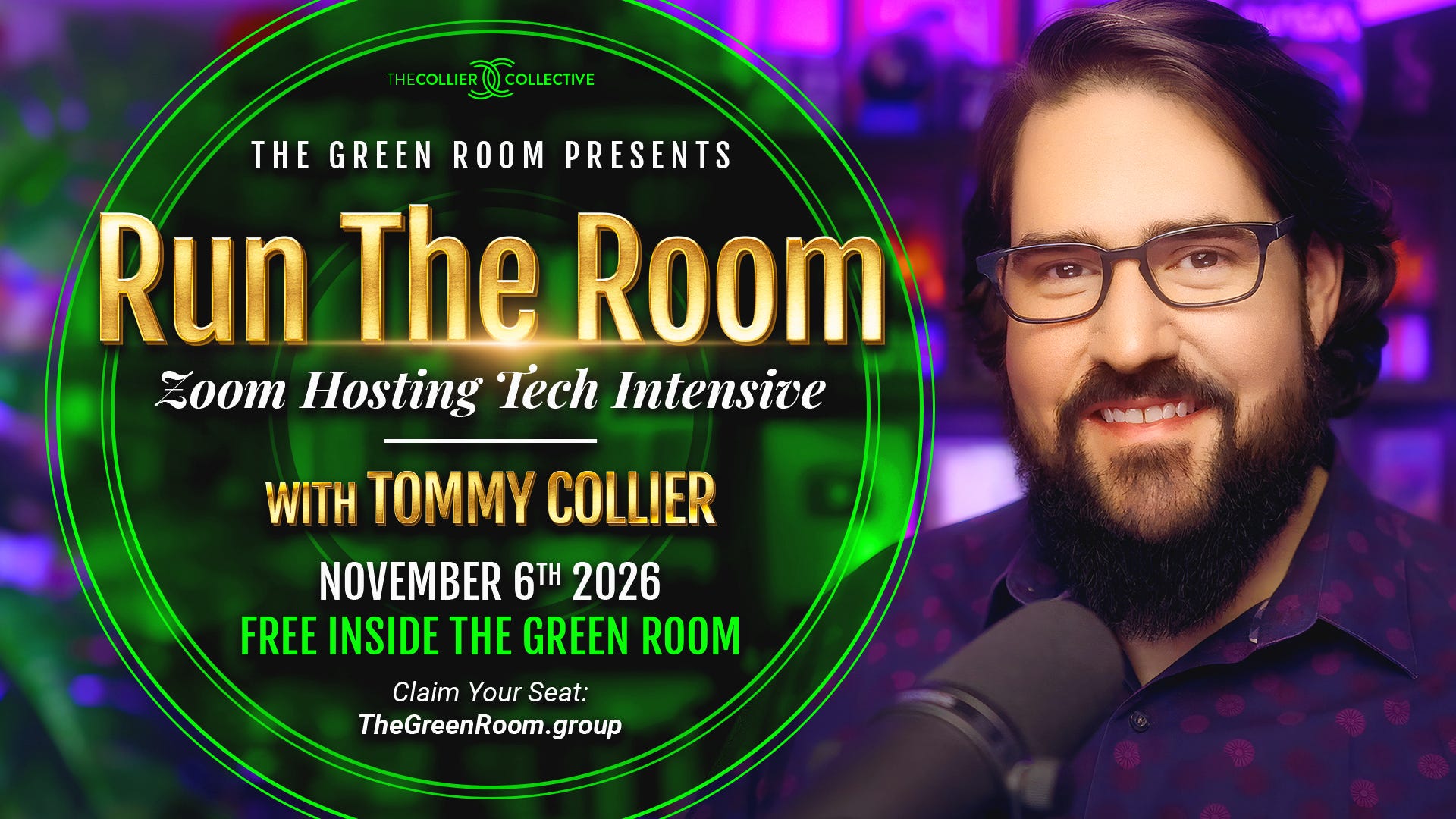
LIVE ON ZOOM · FRIDAY, NOVEMBER 6 · 1PM TO 5PM EASTERN · FULL REPLAY
Zoom is easy when you’re a guest. You click the link, you show up, and somebody else handles it. The second you’re the host, you’re the somebody else. The one who lets people in. Who hits record. Who shares the screen. Who fixes it when the music doesn’t play.
And every one of those moments where you’re unsure, your room feels it. They can’t tell you why. They just feel a little less sure of you.
The host button
You have an offer, or at least the bones of one. You know what you would teach. The thing standing between you and a paid workshop is not the content and it is not the courage.
It’s the host button.
Nothing about hosting on Zoom is hard. It’s just unfamiliar. You need to know where to click, what to click, and in what order. Once. After that it lives in your body, and you stop thinking about the buttons and start thinking about your people.
The tech should be holding you, so you can hold the room.
What happens on November 6
Start to finish, every setting you need, from the app to the website. Not every setting there is. Zoom has roughly seven thousand pages of those and you don’t need them. Just the ones that make you a relaxed host.
I’ll be clicking on screen the whole time. You watch me do it, then you go do it.
The license and the two places Zoom lives. The app and the website, what each one is for, set up right once.
Scheduling a workshop. Registration pages that collect the opt-in for you, branding, banner and logo sizes, the passcode and waiting room pairing, and the one setting that quietly kills attendance.
Polls. How to build them before the call and run them during it.
The end-of-meeting survey and the tip jar. The one that pops up the second they leave.
Co-hosts and breakout rooms. What to hand off, what to keep.
Screen sharing like a producer. Slides, graphics, video, and music that comes through their speakers instead of your mic. The clean opening graphic. The countdown-timer opening video.
Hosting live. Host tools, views, mute and unmute, chat, and the pre-flight I run before every room.
Recording and replay, end to end. Cloud recording settings, sharing the replay, expiration dates, registration-to-watch, and pulling your registrants into your list.
Live Q&A. Bring the thing that broke last time.
What you get
Your live seat, Friday, November 6, 1pm to 5pm Eastern. A four-hour half-day intensive, with a break.
The full replay. Watch it, pause it, screenshot it, as many times as you need. We’re going to move fast, and the replay is where it sinks in.
The Run the Room cheat sheet, updated for the intensive: every setting in the order you’d set it up.
Who this is for
Coaches, consultants, Human Design readers, authors, and mentors who have a workshop in them and a Zoom account they’re a little afraid of. If you’ve got a workshop kit sitting in front of you and you haven’t run it yet, this is the missing piece.
Everything we do is a Zoom Meeting on a Zoom Workplace Pro license. You do not need Zoom Webinars. You do not need a business account. If you don’t have Pro yet, get the annual plan. 15% off with my Zoom referral link.
Who’s teaching
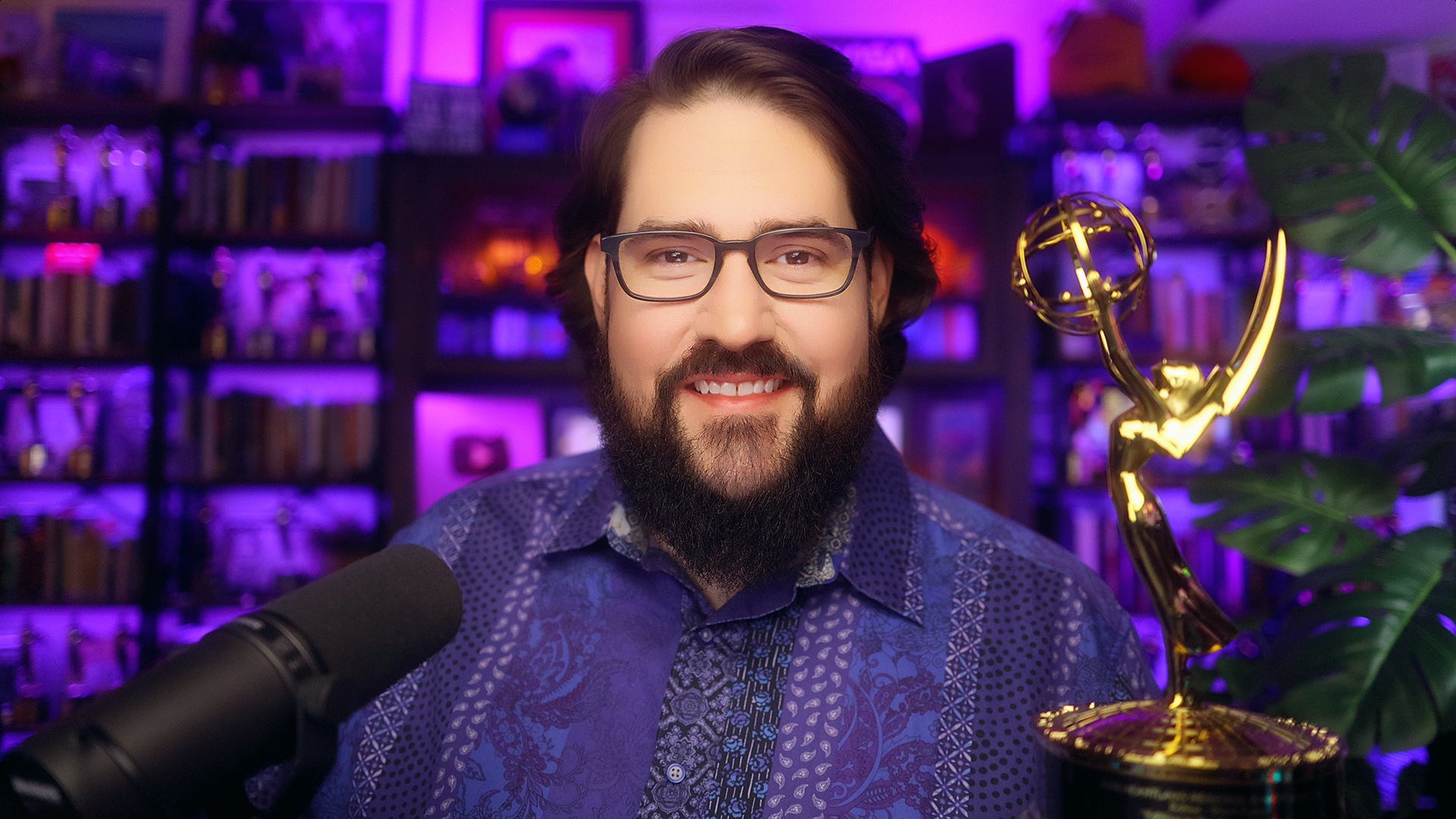
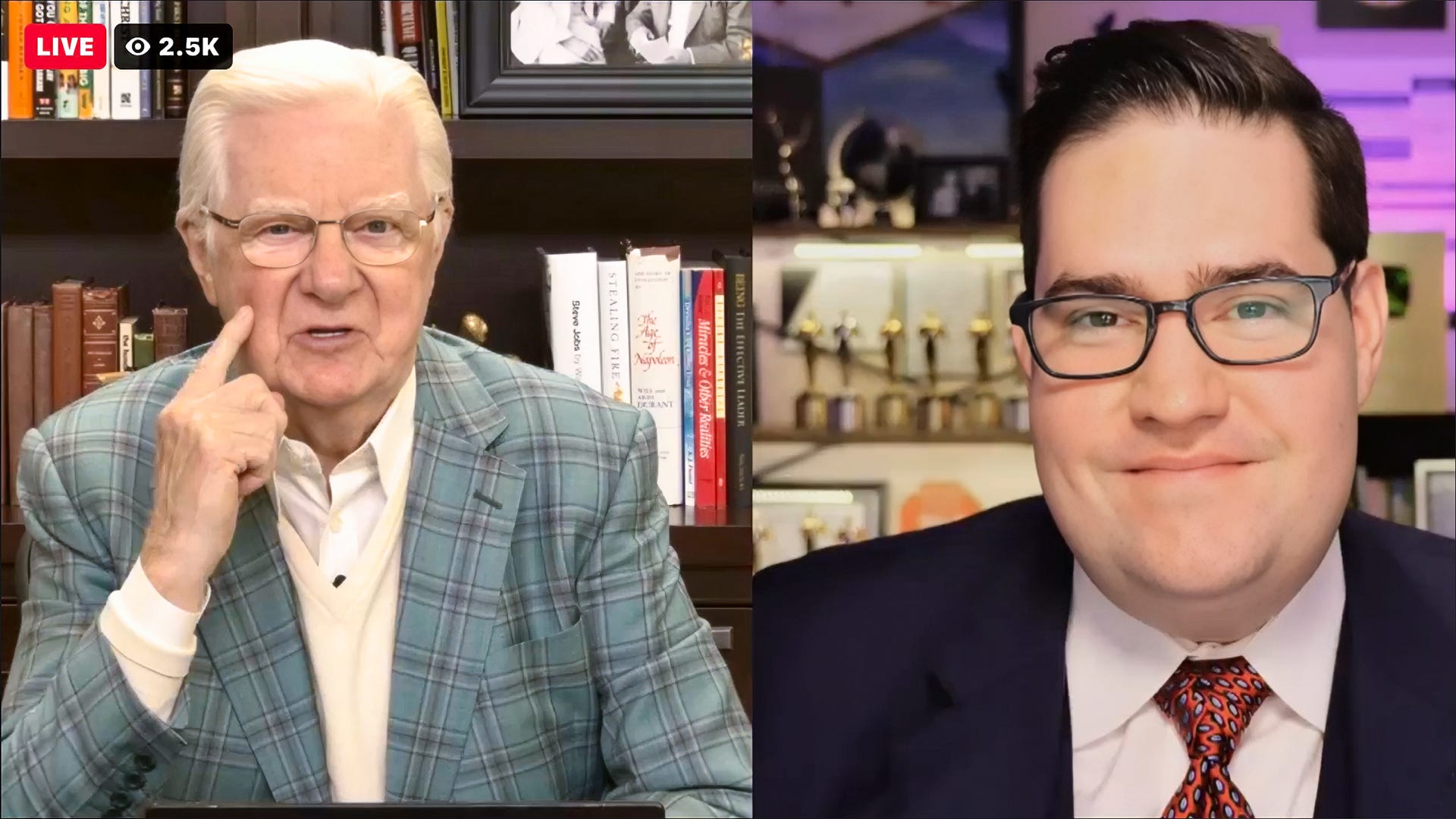
Hi, I’m Tommy Collier. I have spent my whole career behind the camera: four Emmys, 53 Telly Awards, and a lot of years making other people look good on screen, from TV news anchors to Bob Proctor.
For the last four years of Bob’s life I was his creative director. When COVID hit in 2020, everything at Bob’s company went virtual overnight. Before that, I knew about as much about Zoom as anybody else, which is to say not much. Somebody had to figure it out fast. Within a few weeks I was running all of Bob’s big rooms, tens of Zooms a week across every program, and training the rest of the team to do it too. I stopped counting somewhere around 3,000 sessions. Not casual meetings. Client rooms where people had paid a lot of money, or were about to.
I’m not a Zoom expert who learned hosting from a manual. I’m a producer who learned it live with Bob Proctor’s name on the room, where “we’ll fix it in post” was not an option.
What the room said
On September 8 I taught the essentials, about 10% of this, as a guest class in Julie Ciardi’s community. The chat:
“A relaxed host is a nimble host. Mic drop!” Suzy
“Worth the whole workshop today!” Erica
“This was PURE GOLD, Tommy.” Brenda
“Omg this is soooo helpful! I’m excited to go back step by step and play with my settings.” Abigail
“You are a great teacher!!” Dr. Jennifer
“Thank you Tommy. Priceless.” Jacky
That was the essentials. November 6 is the other 90%.
The door
A seat at Run the Room on its own is worth $397. [It is not sold on its own.]
The Green Room is $222 for the year, and your seat is included. Do the math with me. The intensive alone is more than the price of the room, and that’s before we get to the rest of what’s inside:
The full 8-part video series, Be Seen as the Authority You Actually Are, my deepest training on The 5 On-Camera Trust Levers
A live on-camera clinic every four weeks, where I look at your setup and fix things with you on the call. Next one: Friday, November 13.
The growing training vault
Access to book a private On-Camera Presence Audit with me, now exclusive to the room
A free seat, plus director’s commentary afterward, whenever I run one of my own paid workshops
The Green Room Chat, where I usually answer within a few hours
10% off every “Do It With Tommy” offer
The Green Room is $222 for the year, and your seat is included.
Already in The Green Room? Your seat is already saved for you here on your Green Room Backstage page where you’ll find the Green Room calendar and the Zoom link, then show up Friday, November 6 at 1pm Eastern.
FAQ
Do I have to be there live?
No. The full replay goes to every member. Live is four hours, 1pm to 5pm Eastern, with a break, and live is where you get to ask your questions. But we’re going to move fast, and the replay is where it sinks in.
I was in the September 8 class. Is this the same thing?
No. That was the essentials, the 10% I could do in an hour. This is the rest.
Mac or PC?
Both. One free Mac app I use for a clean opening graphic doesn’t have a PC twin yet, and I’ll show you the workaround. Everything else is the same on both.
Do I need Zoom Pro before November 6?
Yes, if you want to click along. Pro, annual. Zoom Referral link: 15% off.
What if I can’t do November 6?
Join anyway. The replay is yours, and so is everything else in the room.
I’m already in The Green Room. Do I pay extra for this?
No. It’s included. Head to your Backstage Page for the calendar and everything you need to show up on November 6.
You are the somebody else now.
Let’s get the tech holding you, so you can hold the room.
📸 Tommy