


This is the lever everybody asks me about first and understands the least “What camera should I get, Tommy? Which one do you use?” Just tell me the one to buy. So in this one, instead of answering that question, I put it to the test on camera, on my own face, so you can watch what actually matters and what doesn’t:
The word that changes how you see every video from now on: separation, and why the software blur never quite pulls it off
How nearly every webcam uses a wide-angle lens, and what all that extra width is quietly doing to you
A live camera ladder, same face, same room, same light: my GlamCam, a $70 webcam, a $150 “professional” webcam, and my iPhone
What happens when a camera looks down at you, and where yours is probably sitting right now
The twist: my own professional camera flipped to factory settings, performing like a coin flip, and why that’s the whole reason I won’t hand you a model number
The what and the why are free, always, to everybody. The how lives in The Green Room. And the how behind this one might be my favorite training in the whole series: turning the best camera you likely already own into your webcam, start to finish, step by step.
Why Join The Green Room?
The second half of this video is a complete, do-it-today training: how to turn your iPhone into your webcam. The feature that makes it almost embarrassingly easy on a Mac, the one account detail that trips everybody up, the exact mounts I use and how to position them, how to activate it in Zoom, and the settings that keep it running smoothly through a real call. Plus my honest answer to “isn’t there just a better webcam?”, and a look at the deeper end of eye contact that my GlamCam Studio™ clients would never give up.
You’ll finish it and take your very next call looking like a different person, on a camera you already paid for.
And before you ask: this works whether you’re on a Mac or a PC, iPhone or Android. If you’ve got a modern smartphone and a computer, I’ve got a path for you inside.
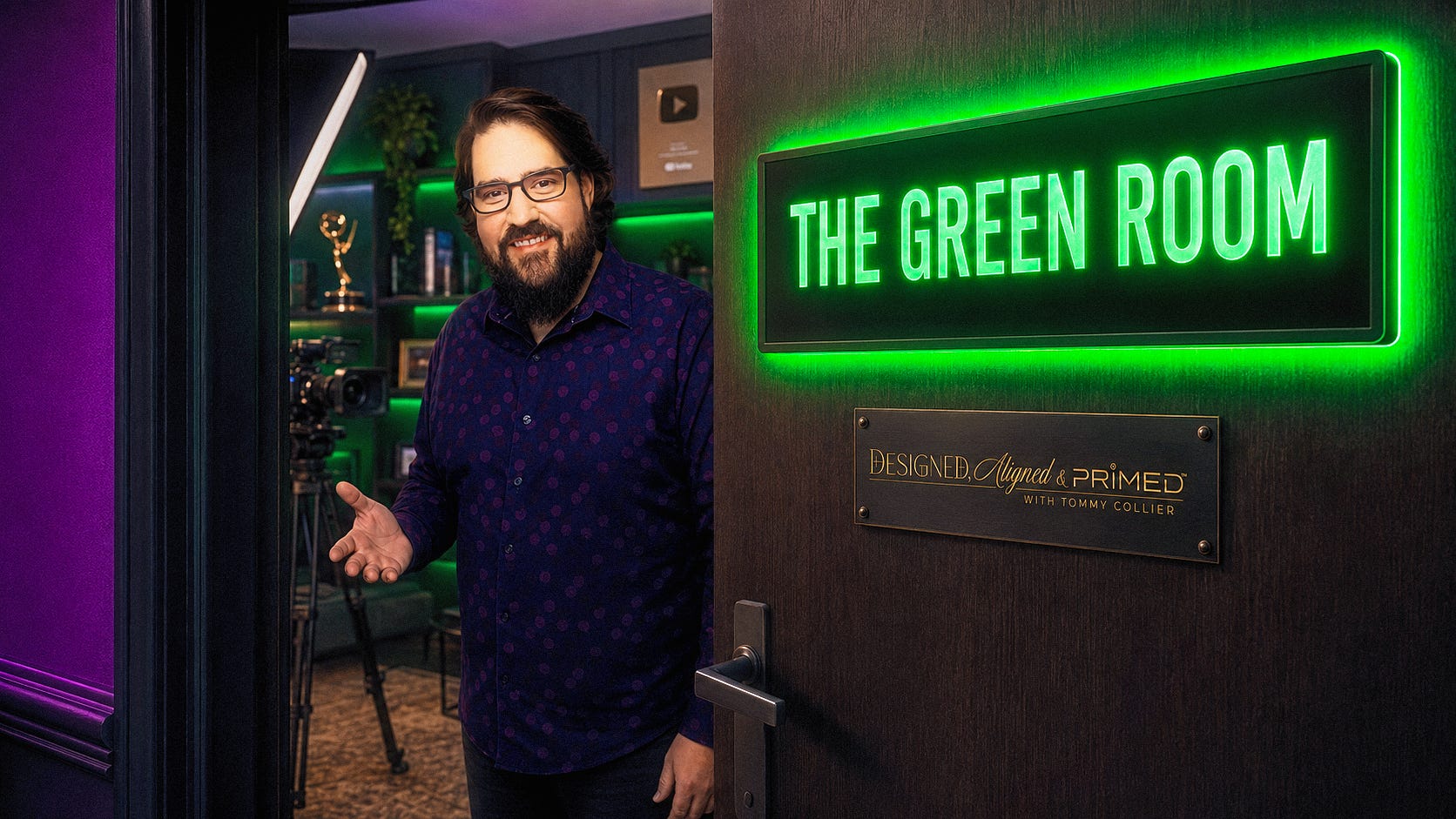
All of that lives in The Green Room, my paid subscriber community here on Substack. It’s named for the room just off the stage, where the light gets checked and the mic gets clipped on and somebody tells you your collar is flipped, so you walk out looking like you meant it. Every real stage has one. Online, nobody does. So I built one.
Inside:
The full series, with all of the how, including the rest of this video
A growing vault of guides and walkthroughs
My actual tested and approved gear recommendations, kept current
A live on-camera presence & setup clinic every 4 weeks where members come on camera and I tell them what I see, what I hear, and what to change first
Access to book a private On-Camera Presence Audit with me, one on one
One click, and the rest of this video picks right up where it left off. Come get your camera handled with me.
Coming Up Next up, Part 5: Background & Set Design – What your room is saying about you when you’re not saying anything at all.


