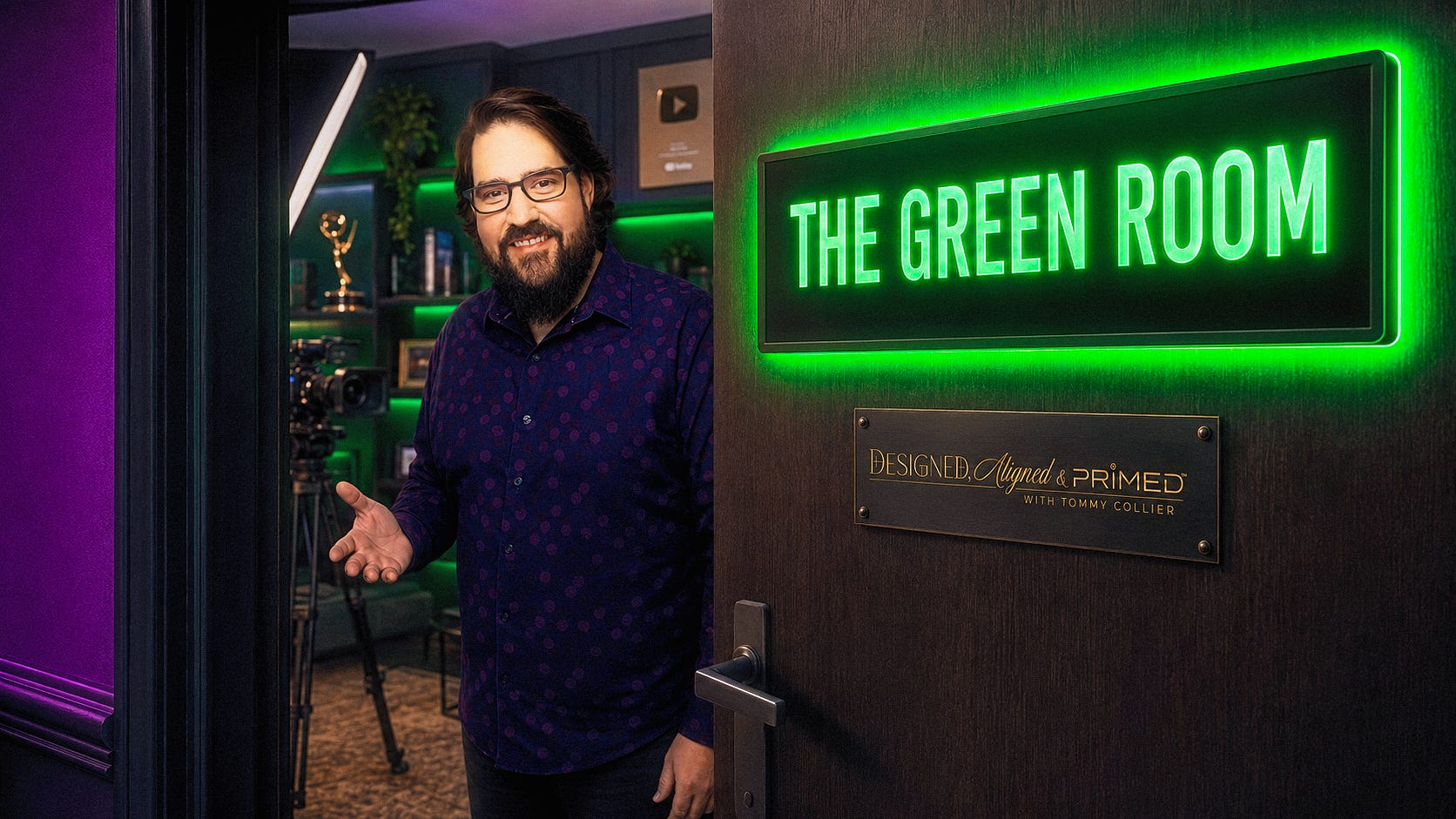
I told you I wouldn’t do this
Shortly after I started my Substack I wrote a piece called “What Camera Should I Get?” (And Why That’s the Wrong Question). If you’ve been here a while you’ve probably read it. If you haven’t, go read it first; this post is the sequel, and it only makes sense if you know what I said back then.
The short version: people ask me the same thing every week. What camera do you have? What mic should I buy? Which teleprompter? And I wrote, lovingly, that the model number was never going to be the thing that helped. That the image you’re admiring is “a composite of a hundred, sometimes two hundred little choices stacked on top of each other.” That the camera is one lever out of five and not even the first one I’d reach for.
And then I said this:
“Now, I could still give you a gear list. Julie wouldn’t mind a bit. But I’m not going to, and I want to be straight with you about why.”
So let me be straight with you about why I changed my mind.
Not one word of that article was wrong. The gear is not the answer. It’s still not the answer. But somewhere between writing that piece and building The Green Room, I realized that refusing to name the gear was starting to look like the thing I said it wasn’t: gatekeeping. And the people inside this room aren’t strangers reaching for a model number anymore. You’ve watched the series. You know what the five levers are. You know the light goes first. You’ve earned the list, and you’ve earned the truth that comes attached to it.
So here it is. The exact gear. The rigs I install in my paid builds, with one honest line from me on every item, and a big red flag on everything that shouldn’t be done alone.
There’s one other reason. I said the “right camera” is a moving target and that handing you Julie’s list would be handing you last year’s answer. That’s true if the list is a screenshot. It’s not true if the list is alive. These are, and I’ll say more about that in a minute.
Before you buy a single thing
Here’s the half of a gear guide nobody writes, and it’s free, because it costs nothing.
Most people do not have a gear problem. They have a placement problem. About half the audits I run, the biggest improvement is something the person already owns, in the wrong place. The other half, they don’t own anything yet: laptop webcam, no light, no mic, nothing. Most of the fixes below are taught in the 8-part training series, so they come with the Part to go watch.
Just say no to ring lights. (Part 2.) I know they’re everywhere and you probably have one. They got popular in 2020 because they were cheap and everybody was suddenly on Zoom, and they get used wrong almost every time. A ring throws a flat, unflattering light on most faces, and if you wear glasses, forget it: two little donut reflections in your lenses, and that’s all your audience can look at. Ring lights are for makeup artists and fashion photographers circa 1998. Put it away. (If it’s the only light you own today, I’d rather you have a light on your face than not. But it’s not what we’re building toward.) There isn’t a ring light anywhere on my lighting list, even though Amazon calls half of them that. Everything I recommend is a full-screen panel that happens to be round. No ring. Never a ring.
Your light lives behind and above the camera. (Part 2.) Not beside it, where there happens to be room on the desk. Off to the side is a side light: half your face lit, half in shadow. Center it with your camera, just behind your laptop screen, slightly above your eyeline, closer than feels normal. Same light, moved eighteen inches, different person.
Turn off the overhead, and the desk lamp too. (Part 2.) The lamp you reach for when the light looks bad is small, off to the side, and the wrong color, all at once. Ceiling lights are usually too bright and fighting the window. When you’re on camera, turn them off. If you can’t, swap the bulbs to match the light you can’t control.
If I can’t see your mic, it’s not close enough. (Part 3.) More than half the people I audit have their mic set up wrong or still in the box. The ones who have it out usually have it three feet away on the far side of the desk, picking up the room instead of you. If your Yeti or your external mic isn’t visible in your shot, it’s probably too far away. A mic in frame isn’t a flaw. It’s the sign of somebody who knows what they’re doing.
Your Yeti is probably on the wrong pattern. (Part 3.) If you already own an external mic, the two things I fix most are the pickup pattern (there’s one right one for a desk, and it’s usually not the one it shipped on) and the gain, which is almost always too high or too low. Two knobs. Five minutes. Part 3 shows you both.
Use the camera you already own. It's in your pocket. (Part 4.) If your phone is a couple of years old or newer and has more than one lens on the back, it's almost certainly a better camera than the one in your laptop. You don't have to buy anything to find out. Prop it up at eye level, turn on Continuity Camera if you're on iPhone (or Camo if you're not), and take a screenshot of your webcam, then a screenshot of your phone. If the phone wins, you just upgraded your camera for free. Part 4 shows you how; the mounts that make it workable are on the list below.
Clean your lens. Your webcam has your fingerprints on it. Screen cleaner or eyeglass cleaner, not a dry sleeve, which just moves the grease around. This is an instant free upgrade and I am not exaggerating.
The rectangle is the room now. (Part 5.) Most backgrounds were designed by someone standing in the room, for someone standing in the room. The camera doesn’t see the room. It sees a rectangle. So turn your camera on, go full screen, and decorate for that. The plant that looks great in the corner might not be in the shot at all. It feels a little odd standing in the room when you get it right. That’s how you know.
Check your Zoom settings. (Part 6.) Zoom is quietly making decisions about your sound and your picture that you never agreed to. Part 6 walks through the handful of settings that matter, and most people have never opened them.
Bless and release. If you’ve gone down the DIY rabbit hole and you’ve got a pile of gear that isn’t on any list below, and you’re trying to justify buying more to make it work: stop. Sell it, gift it, pay it forward. Your trial and error got you here, and here is where it ends. Release it. Then start clean.
What’s in the guides
Twelve lists, on Amazon. Every item has a note from me on why it’s there.
The rigs
GlamCam Mini™ Standard Blueprint. The exact rig I install in the Glam Squad and the Mini Private Install.
GlamCam Max™ Standard Blueprint. The blueprint every GlamCam Studio build starts from.
One piece at a time
Lighting For Your Face. Five lights, cheapest to best. Not one of them is a ring light.
Microphone & Audio. The mics I recommend, the two headphones I use to hear you, and one adapter.
Use Your Phone Camera as Your Webcam. The cheapest real camera upgrade there is.
Teleprompter. The only one worth anything, and everything it needs to work.
Background & Set Design
Accent Lighting. Twenty-four ways to put light behind you.
Plants & Pots. Big to small, and why every pot should be shiny.
Shelf, Desk & Tabletop Decor. The one object on the shelf that says something about you.
Wall Decor. For when your empty wall is the entire problem.
Wall Tapestries. The cheapest way to change an entire background, including printing your own.
Accent Furniture. The tables that give a set its bones.
The lists, the links, and the notes are below, for members of The Green Room.
Why Join The Green Room?
The Green Room is the paid side of this publication, and it’s where the how lives. Inside: the full eight-part video series with nothing cut, the On-Camera Presence Setup Clinic every 4 weeks where you come on camera and I tell you the one thing to change, the Tape Vault of lessons and replays, access to book a private On-Camera Presence Audit, and now these Gear Guides, live and growing. It works out to about sixty cents a day for a whole year in the room.